 Sebastian Schkudlara

Llama for privacy. Claude for writing. Gemini for research.
The “perfect” AI workflow involves mixing and matching the best tools for the job. But in practice, this means juggling three different apps, managing scattered API keys, and dealing with fragmented history. You want the privacy of local AI, the reasoning of Google, and the prose of Anthropic—but you want them in one place.
Today, we are launching switchAILocal—the first “Polymorphic” AI Gateway designed to bridge these divided worlds.
The “Universal Adapter”
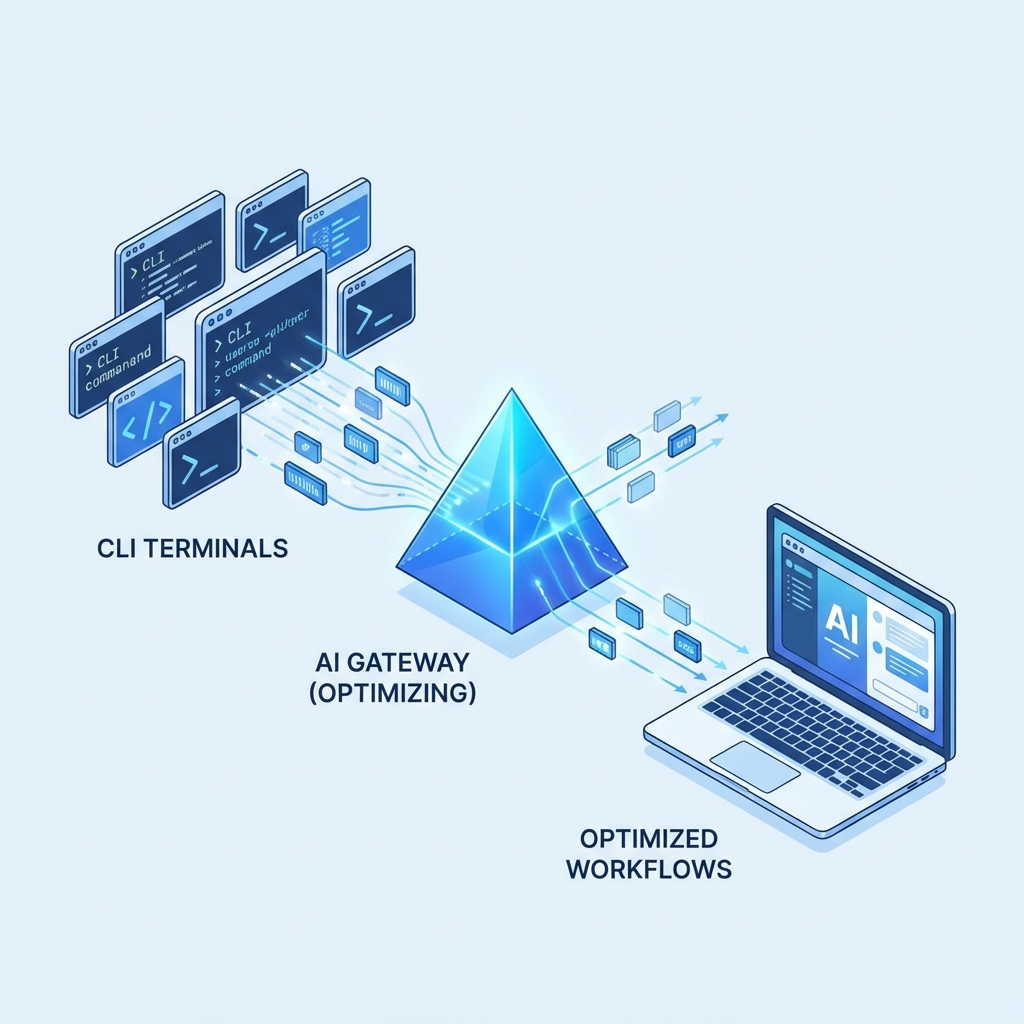
switchAILocal isn’t just another proxy. It is a universal adapter that changes its shape to fit whatever tool you want to use. It runs locally on your Mac and provides a standard OpenAI-compatible endpoint (http://localhost:18080/v1) that works with any app (Cursor, Aider, Chatbox).
But the magic is in how it connects to models. It unifies the three great “Silos of AI” into one interface:
1. The Local Silo (Privacy First)
For total privacy, you run models on your own hardware.
- How it works: switchAILocal automatically discovers running instances of Ollama or LM Studio.
- The Benefit: You can switch to
ollama:llama3instanty for sensitive tasks. Your data never leaves your machine.
2. The CLI Silo (Secure & Keyless)
For developer tools, you often use command-line interfaces like the Gemini CLI or Claude CLI.
- How it works: This is unique to switchAILocal. It acts as a “Process Wrapper,” spawning the CLI tool (e.g.,
gemini prompt) on your behalf. - The Benefit: No API Keys. It re-uses your existing, secure authentication from the terminal. No copying secrets into config files.
3. The Cloud Silo (Standard Access)
For broader compatibility, you sometimes just need a direct API connection.
- How it works: It functions as a standard proxy for OpenAI, Groq, or DeepSeek.
- The Benefit: A unified history and consistent interface for all your cloud providers.
Why “Polymorphism” Matters
Most gateways force you to choose: are you “Local Only” or “Cloud Only”? switchAILocal says “Yes.”
It allows for a truly fluid workflow:
- Start a chat in Cursor using
ollama:mistralto brainstorm private architectural concepts. - Realize you need deep reasoning? Switch the model to
geminicli:gemini-proin the same chat window. - Need to polish the final text? Switch to
claude:sonnet.
The gateway handles all the translation, protocol shifting, and authentication in the background. You just work.
Try the Universal Adapter Now
Open Source. Local First. Universally Compatible.
 Building Your First Traylinx Agent: A Python 'Hello World'