 Sebastian Schkudlara
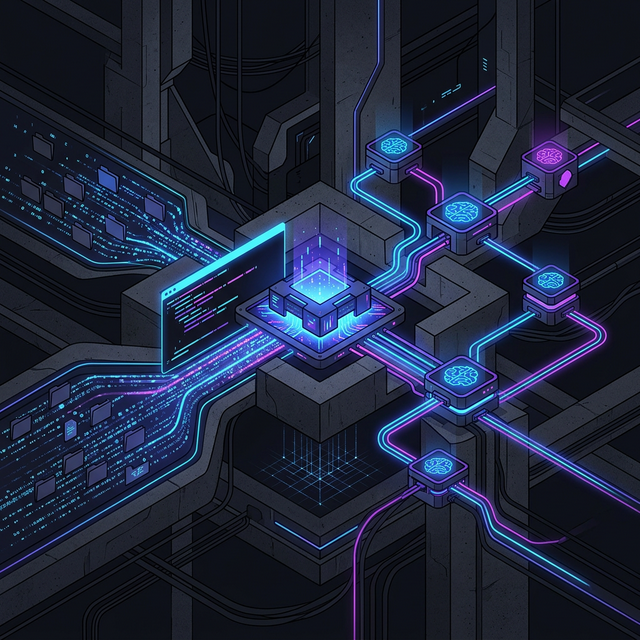
Once you have your AI tools unified behind switchAILocal, something interesting happens: you stop thinking about which app to open and start thinking about which model fits the task.
That shift unlocks workflows that were previously impractical. Here are three that have changed how I work.
1. The “Context Dump” — Feed an Entire Project to Your AI
One of the biggest frustrations in AI-assisted development is context. You’re refactoring a legacy component, but the AI only sees the one file you pasted into the chat. It has no idea how that file connects to the rest of your codebase.
switchAILocal solves this with CLI Attachments. Because it wraps CLI tools like gemini and vibe under the hood, it can pass entire directories directly to models that support it.
"extra_body": {
  "cli": {
    "attachments": [{"type": "folder", "path": "./legacy-code/src"}]
  }
}
The gateway translates this into native CLI arguments, bypassing the typical API context limits. Instead of feeding fragments, you give the model the full picture—and the suggestions you get back are dramatically better for it.
2. The “Mix and Match” Session — Use the Right Brain for the Job
In a single session in your favorite chat app (TypingMind, Chatbox, or even Cursor), you can switch providers on the fly:
- Phase 1 — Brainstorming: Use
ollama:deepseek-coder. It’s fast, free, and runs entirely on your machine. Perfect for throwing ideas around without worrying about cost or privacy. - Phase 2 — Drafting: Switch to
claudecli:sonnet. Claude writes clean, structured prose. Ideal for turning rough notes into readable documentation. - Phase 3 — Review: Switch to
geminicli:gemini-pro. Its large context window is perfect for checking consistency across long documents.
Because all three providers sit behind localhost:18080, your conversation history stays in one place. You’re not bouncing between apps—you’re just changing the engine behind the scenes.
3. The “Fail-Safe” Pipeline — Keep Overnight Jobs Running
If you run scripts that call AI models—generating documentation, processing data, running batch analyses—you know the pain of waking up to a failed job because an API had a hiccup at 3 AM.
switchAILocal’s architecture handles this gracefully. Because it treats CLI tools, local models, and cloud APIs as interchangeable executors, it can implement cross-provider failover.
If a geminicli: process hangs or returns an error, the gateway can automatically retry with a different provider that serves a compatible model. Your batch job completes, and you have results waiting in the morning instead of an error log.
The Common Thread
All three workflows share the same underlying principle: your tools should adapt to your work, not the other way around.
A local gateway that speaks one protocol to your apps while managing the complexity of multiple providers behind the scenes—that’s the kind of infrastructure that compounds over time. You set it up once, and every tool you use gets better.
Unlock These Workflows Today →
Free. Open Source. Built for power users.
 The Journey to OpenClaw: Rebranding the Local AI Agent