 Sebastian Schkudlara
Identifying a file by its ID is easy for a computer: 1aB2c_D3eF4g. A human, however, looks for “that budget spreadsheet from last week in the Finance folder.”
This disconnect—the Context Gap—is why so many AI agents struggle with cloud storage. When they hit a simple API error, they get stuck in hallucination loops or spend tokens debugging the file system.
For an AI agent to become a genuine assistant, it needs more than raw API access—it needs intuition. It requires a cognitive layer that bridges this gap.
🧭 1. It Heals Broken Paths (Active Healing)
Standard APIs are brittle. A single character typo or a moved folder usually results in a hard failure.
With Active Path Healing, the server acts as an intuitive guide. If a path like /Client/Budgt isn’t found, the server autonomously scans the parent directory, performs fuzzy matching, and auto-corrects to the intended destination. The agent never sees the error; it simply stays in the flow.
🔨 2. It Doesn’t Just Use Tools—It Forges Its Own
Instead of a fixed toolbox, I’ve implemented The Forge (leveraging the Agent Skills standard).
When an agent encounters a complex, repetitive task—like “Archive all PDFs older than 30 days”—it forges a persistent skill.
# The agent writes this once and saves it to its permanent library
def run():
    client = IntelligentDriveClient()
    archive_id = client.get_or_create_folder("Archive")

    # Custom business logic for 'Old Files'
    threshold = datetime.now() - timedelta(days=30)
    for f in client.list_files():
        if f['modifiedTime'] < threshold:
            client.move(f['id'], archive_id)
Next time, the agent simply calls run_skill("auto_archive"). The server undergoes Autonomous Evolution, transforming from a generic connector into a specialized operator tailored to your business logic.
> ⚠️ Security Note: This feature allows the agent to execute arbitrary Python code. It is designed for trusted local use and is not built for sandboxed environments.
🔍 3. It Treats Your Drive Like a Workspace
Google Drive is a mix of binary files and abstract “Docs”. An agent shouldn’t worry about MIME types or export formats.
Smart Read handles this “Protocol Abstraction.” If the agent asks to read a Google Doc, the server automatically handles the conversion to text or PDF. It offloads the plumbing so the AI can focus on the content.
🛡️ 4. Contextual Recovery
Raw API errors (403, 429) are context-free. My server intercepts these and translates them into Objective Strategies. instead of a dead end, the AI gets a helpful suggestion: “Permission denied, but parent is writable; suggest duplicating.”
🔮 The Dawn of the Self-Learning Workspace
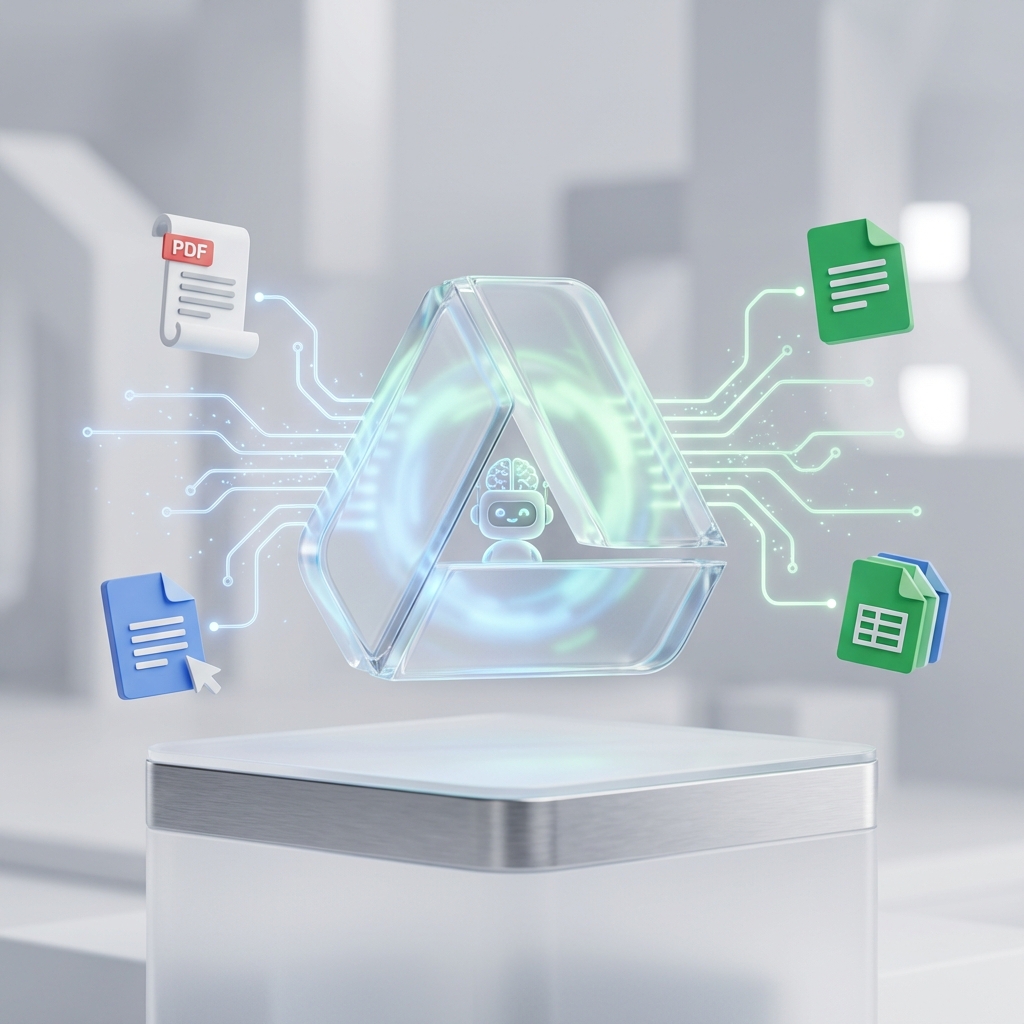
The agent autonomously optimizing and syncing content.
We are moving away from the era of “dumb” connectors. The Intelligent Google Drive MCP creates a system that improves its own efficiency. As your agent forges more skills, the server accumulates your specific business logic.
It becomes a system that doesn’t just store files—it learns how to manage them for you.
🚀 Get Started (Zero to 100%)
Getting your agent connected requires a one-time handshake with Google Cloud.
- Google Cloud Setup: Create a project, enable the Drive API, and download your
credentials.json. - Deploy:
git clone https://github.com/traylinx/google-drive-intelligent-mcp cd google-drive-intelligent-mcp pip install -r requirements.txt python server.py # Auth first run - Connect: Add to your MCP host (Antigravity, Claude Desktop, etc.) and you’re ready.
Try It Now
👉 View the Repository on GitHub
Transform your agent from a passive observer into an active, learning operator.
 5 Brutally Honest Truths About Deploying OpenClaw